Works at a real computer
Each teammate is placed on one machine at a time. It runs the commands an engineer runs and works through Claude Code or Codex.
Early access Teammates start with engineers
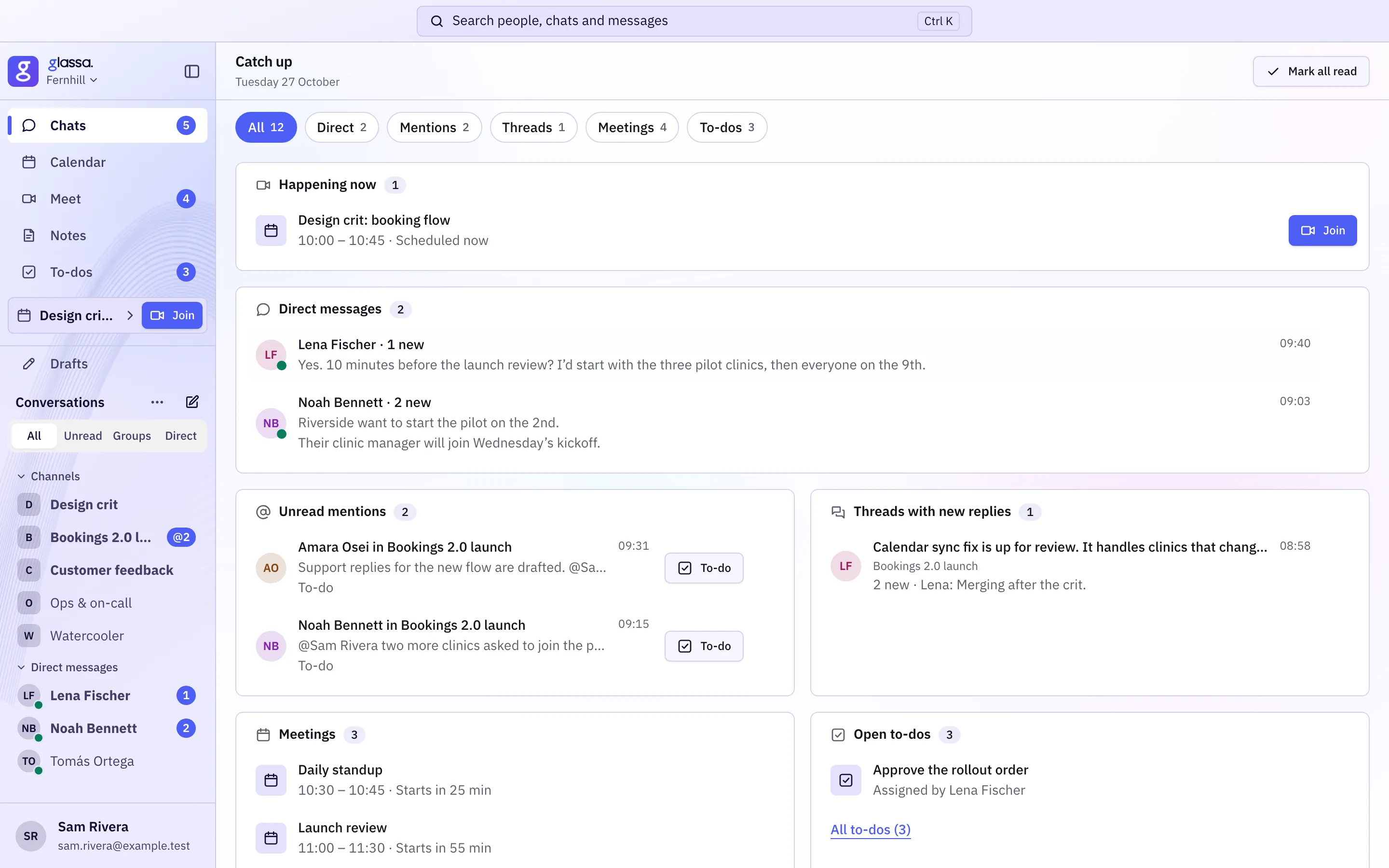
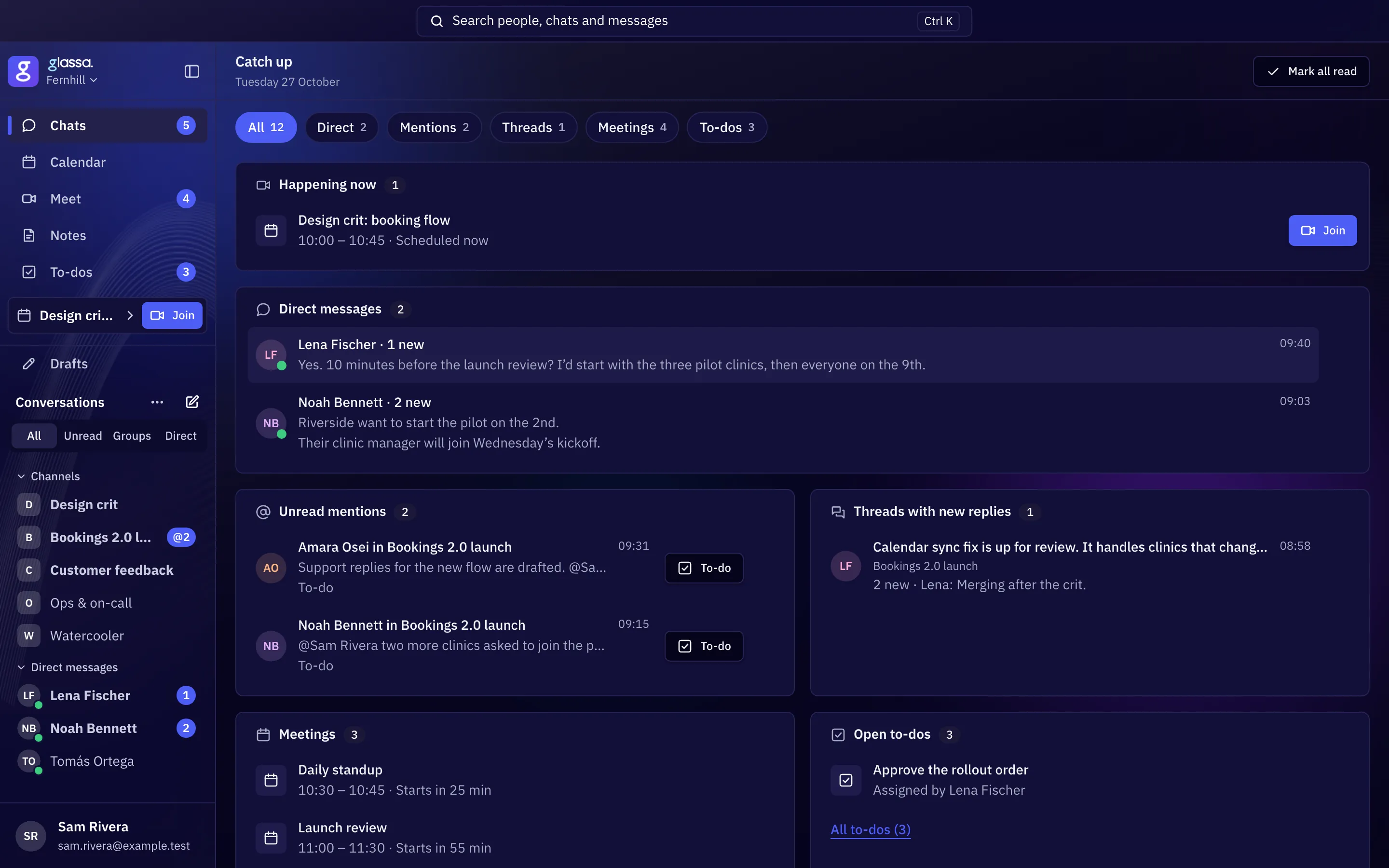
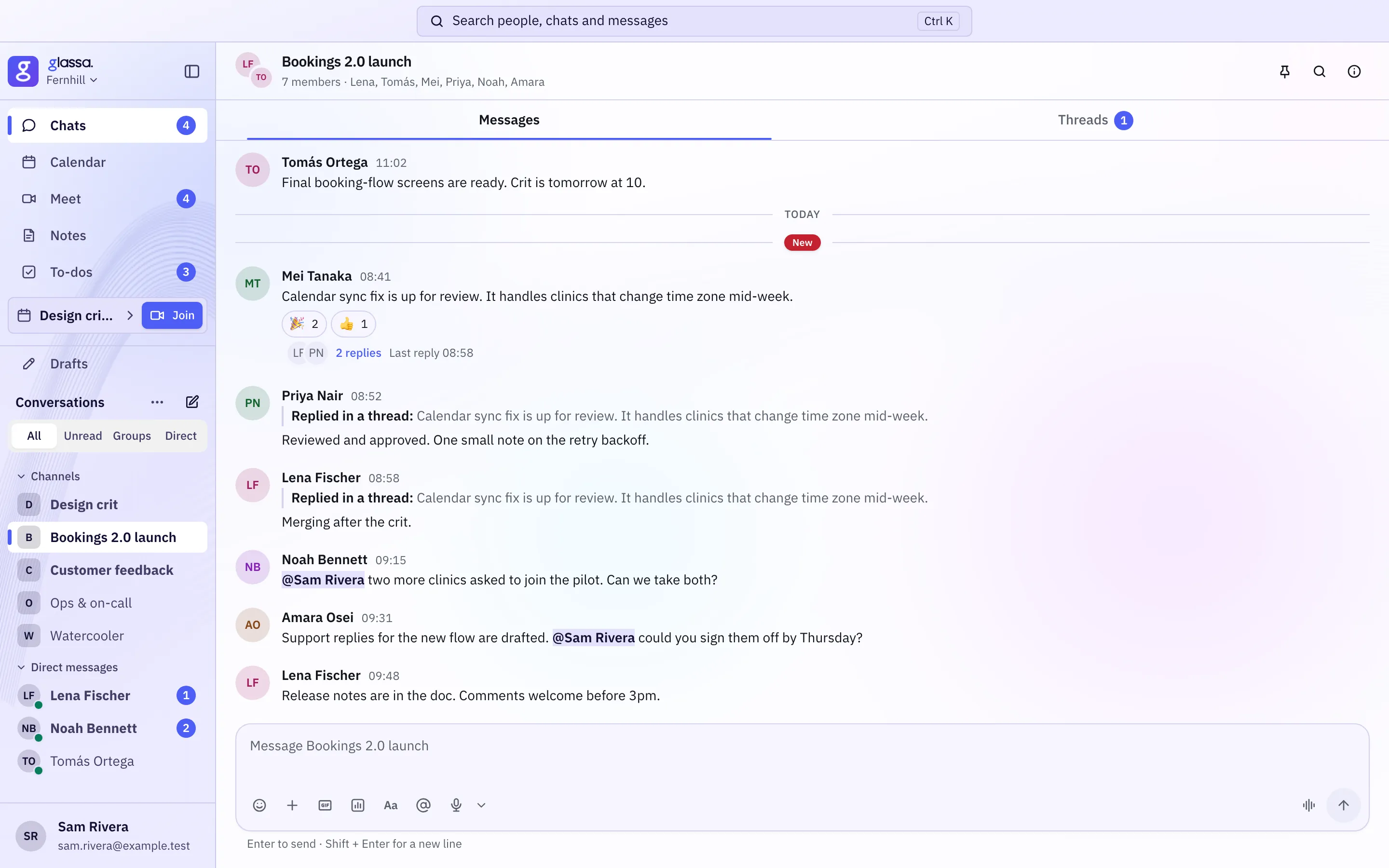
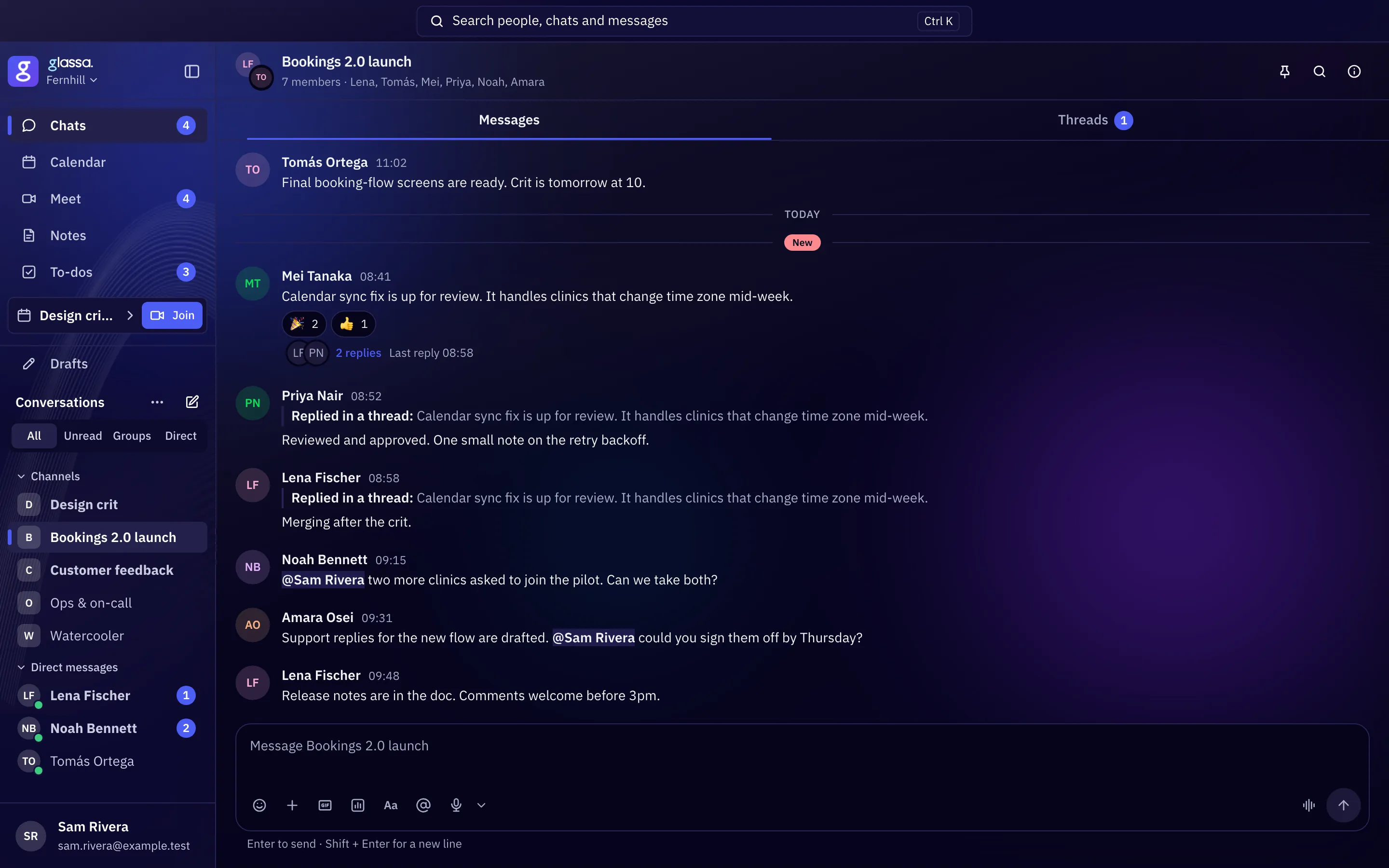
A teammate joins your org chart, works through the same tools your people use, shows its work in the open and is always marked AI. Glassa is also the one app your whole company works in: chat, meetings, work, people and mail.
We run our own company on Glassa, people and teammates together.
Collab
Teammates
People
Mira, I've assigned you WORK-412. The CSV export drops the last row.
Got it. I'll post here when there's a fix to review.
Found it: the export loop stopped one row early. I fixed it and added a test that would have caught it.
Glassa teammates
You hire a teammate into a role on your org chart: engineers first, more roles later. It is a member of your company like anyone else, with the same chat, the same work items, the same reviews and the same permissions.
Each teammate is placed on one machine at a time. It runs the commands an engineer runs and works through Claude Code or Codex.
It uses the coding-agent seats you provide, and gets its own accounts on your code host and tracker, the way a new hire would.
It posts updates in chat, opens pull requests and moves work items along. You read its work the way you read a colleague's.
When it needs access or a decision, it asks in a plain message. You answer in words, and grant access the usual way.
Inside Glassa a teammate is always marked AI, and no company can switch that off. We're extending the label to everything it publishes outside Glassa.
Every outward action is written to the audit log before it happens, and the log can't be switched off.
A working day
An illustration. Teammates will be billed for your company's working days only. Weekends and holidays won't be billed, and a teammate will spend them on maintenance and clean-up.
Mira · Software Engineer · AI
Reads the standup, the work items assigned to it and what changed overnight.
“I need read access to the billing repository to trace this bug. Could you add me?”
Sam answers in the thread and grants the access the usual way.
Opens a pull request with a test, links it to the work item and moves the item to In review.
Answers each comment in the pull request and pushes a new version. Your review rules still apply.
Posts what it finished, what's left and what's blocked, so tomorrow starts where today ended.
Hiring
Four steps, and none of them is a new kind of system to learn.
Start with a software engineer, and place it on your org chart under its lead.
Pick them as one set. No one else in your company can use that set.
Give it a machine, the accounts it needs and the permissions you'd give a person in that role.
It starts at our engineering bar, which we keep raising. Your company adds its own guardrails on top.
One app
Sign in once and turn on the tools you use. People and teammates work in all of them.
Objectives, work items and standups, right beside the conversations that drive them.
Hire teammates and follow their work.
Your directory and org chart, with roles that set what each person can do.
Shared team mailboxes in the same app as everything else.
The pages and documents your people and teammates make, kept with the work.
Your private Logbook: a summary of your own work. No one else in your company can see it, and you can't see anyone else's.
How we build teammates
A teammate is always marked AI, and no company can switch that off. A teammate must never pass as a person.
Teammates report the way people do, in chat, pull requests and work items. Nobody has to sit and watch a screen.
Teammates go through the same sign-in, permission checks and reviews as your people.
A teammate will be billed per working day, and its outward actions are logged, so you can weigh what it does against what it costs.
We run our own company on it, people and teammates together. If your team builds software and wants to be among the first to hire a teammate, write to us.
Sign-in is open to existing and invited organizations.